
Introduction
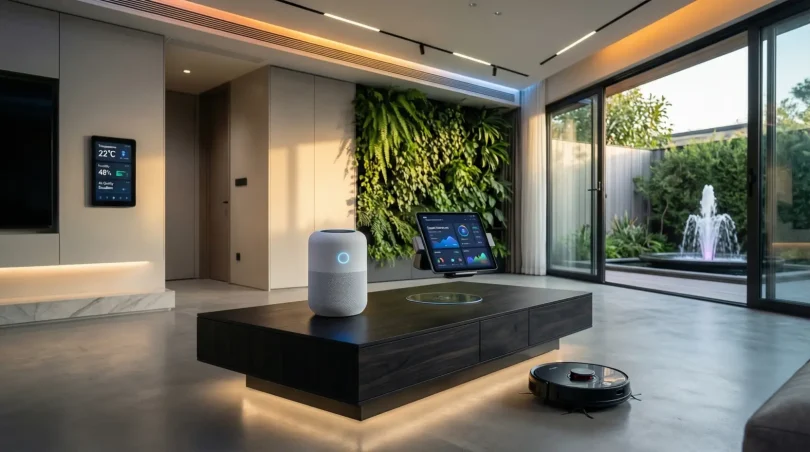
Smart home technology is rapidly changing the way we live, making our homes more convenient, secure, and energy-efficient. By integrating devices such as smart lights, thermostats, security systems, and appliances, homeowners can control their environment with just a tap on their smartphone or even their voice. Whether you are a tech enthusiast or a beginner, understanding smart home technology is essential in today’s digital world.
With the rise of the Internet of Things (IoT), smart home devices can communicate with each other to create a connected ecosystem. For example, your smart thermostat can adjust the temperature based on your daily schedule, while smart lights can turn off automatically when no one is in the room. This level of automation not only saves time but also reduces energy consumption, making your home more sustainable.
Moreover, smart home technology enhances security. From video doorbells to motion sensors and smart locks, these innovations allow homeowners to monitor their property remotely. Families can feel safer knowing that they can control who enters their home and receive instant notifications about unusual activities.
This article will provide a complete guide to smart home technology, including its definition, importance, step-by-step setup, benefits, risks, common mistakes, expert tips, and answers to frequently asked questions. Whether you are just starting or planning to upgrade your home, this guide will help you make informed decisions and fully leverage smart home technology.
What is Smart Home Technology?
Smart home technology refers to the use of internet-connected devices to control and automate various functions within a home. These devices are often part of the Internet of Things (IoT), allowing them to communicate with each other and with a central hub, such as a smartphone app or voice assistant.
Key examples of smart home devices include:
- Smart Lights: Control brightness, color, and schedules remotely.
- Smart Thermostats: Adjust temperature automatically to save energy.
- Smart Security Systems: Video doorbells, cameras, and smart locks for remote monitoring.
- Smart Appliances: Refrigerators, ovens, and washing machines that can be controlled remotely.
- Smart Speakers: Voice-controlled assistants like Amazon Echo or Google Home.
Smart home technology is designed to make daily tasks easier, improve energy efficiency, and enhance security. It enables homeowners to manage their home environment conveniently and even customize it according to personal preferences.
Why is Smart Home Technology Important?
Smart home technology is important for several reasons:
- Convenience: Automate daily tasks like adjusting lights or controlling temperature without manual effort.
- Energy Efficiency: Smart devices help reduce electricity usage by turning off unused devices or optimizing heating/cooling.
- Security: Monitor your home remotely and receive instant alerts about unusual activities.
- Cost Savings: Lower energy bills and reduce unnecessary expenses with smart automation.
- Accessibility: Assist elderly or differently-abled individuals in managing household tasks easily.
- Modern Lifestyle Integration: Stay connected and in control of your home from anywhere in the world.
In short, smart home technology offers a combination of comfort, safety, and cost efficiency, making it increasingly essential in modern living.
Detailed Step-by-Step Guide to Smart Home Technology
Step 1: Assess Your Needs
Before buying smart devices, consider your goals:
- Are you focusing on security, energy efficiency, or convenience?
- Which rooms or systems need automation first?
- What is your budget for smart home setup?
Step 2: Choose a Smart Home Hub
A hub connects and controls all smart devices in your home. Popular options include:
- Amazon Echo (Alexa)
- Google Nest Hub
- Apple HomeKit
The hub should be compatible with the devices you plan to install.
Step 3: Select Smart Devices
Start with devices that provide the most immediate benefits:
- Security: Smart locks, cameras, and doorbells.
- Lighting: Smart bulbs and switches.
- Climate Control: Smart thermostats and air purifiers.
- Appliances: Smart refrigerators, ovens, and washing machines.
Step 4: Install Devices
Follow the manufacturer’s instructions to connect devices to your hub and Wi-Fi network. Most smart devices have user-friendly mobile apps for setup.
Step 5: Configure Automation
Set up automation rules to save time and energy:
- Lights that turn off when rooms are empty.
- Thermostat adjusting temperature based on your schedule.
- Security cameras activating when you leave home.
Step 6: Test and Adjust
Test all devices and automations to ensure they work as expected. Fine-tune settings for optimal performance and convenience.
Step 7: Regular Updates
Keep your devices and hub updated with the latest software to ensure security and functionality.
Benefits of Smart Home Technology
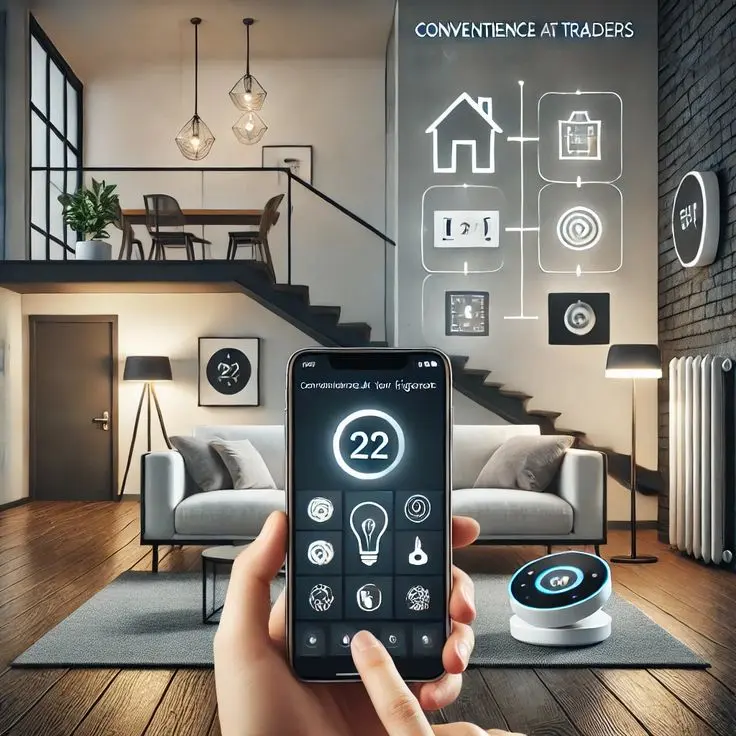
- Convenience: Control multiple devices from a single app or voice command.
- Energy Efficiency: Automated systems help reduce electricity bills.
- Enhanced Security: Real-time monitoring and alerts for peace of mind.
- Accessibility: Easier control for elderly or physically challenged individuals.
- Customizable Environment: Adjust lighting, temperature, and ambiance to preference.
- Remote Monitoring: Control and check your home from anywhere in the world.
- Increased Property Value: Smart homes can attract buyers looking for modern amenities.
Disadvantages / Risks
- High Initial Costs: Smart devices and hubs can be expensive.
- Security Vulnerabilities: Connected devices can be hacked if not secured properly.
- Compatibility Issues: Not all devices work together seamlessly.
- Reliance on Internet: Devices may fail if Wi-Fi or internet is down.
- Complex Setup: Initial installation and configuration can be confusing for beginners.
- Privacy Concerns: Some devices may collect personal data.
Common Mistakes to Avoid
- Ignoring Compatibility: Always check if new devices work with your existing hub.
- Skipping Security Measures: Use strong passwords and update firmware regularly.
- Over-Automating: Too many automated rules can create confusion instead of convenience.
- Neglecting Energy Savings: Not all smart devices save energy automatically; configure them properly.
- Buying Cheap Devices: Low-quality devices may fail sooner and compromise security.
- Ignoring User Reviews: Learn from other users’ experiences before purchasing.
FAQs About Smart Home Technology
1. Is smart home technology suitable for beginners?
Yes. Start with a few devices like smart bulbs or a thermostat, and gradually expand your system. Most devices are user-friendly with guided setup apps.
2. How much does a smart home setup cost?
The cost varies depending on the number and type of devices. A basic setup can start at $200–$500, while full automation may cost $2,000 or more.
3. Can smart home devices work offline?
Some devices have limited offline functions, but most require internet connectivity to perform automation and remote control.
4. Are smart homes secure?
Smart homes are secure if you follow best practices like using strong passwords, updating firmware, and choosing reputable brands.
5. Do smart devices increase energy bills?
No, when configured correctly, smart devices reduce energy consumption. However, improper usage or leaving devices on unnecessarily may increase costs.
6. Can I control smart home devices remotely?
Yes, most smart home systems allow you to control devices from anywhere using a smartphone app.
7. What is the lifespan of smart home devices?
On average, devices last 5–10 years, depending on quality, maintenance, and software updates.
Expert Tips & Bonus Points
- Start Small: Begin with key devices like lights, thermostat, or a security camera.
- Use a Strong Wi-Fi Network: Ensure stable internet for seamless connectivity.
- Regularly Update Devices: Updates improve security and performance.
- Integrate Voice Assistants: For hands-free control and convenience.
- Monitor Energy Usage: Many devices provide insights to optimize consumption.
- Plan for Expansion: Leave room for adding more devices in the future.
Bonus Tip: Label your devices in the hub app clearly. This helps you quickly identify and control each device without confusion.
Conclusion
Smart home technology is transforming modern living by offering convenience, security, energy efficiency, and customization. From smart lights to automated appliances and security systems, these innovations make life easier and more enjoyable. By understanding the fundamentals, choosing compatible devices, and avoiding common mistakes, anyone can create a connected home that fits their lifestyle.
While the initial cost and setup may seem daunting, the long-term benefits of automation, safety, and energy savings make smart home technology a worthwhile investment. With careful planning, proper configuration, and regular updates, your home can become a modern, intelligent space that adapts to your needs and enhances daily living.
Embracing smart home technology is not just about gadgets; it’s about creating a smarter, safer, and more efficient living environment for you and your family.